
Education for all
What is Life
The phrase “Life is a gift given by parents” reminds us that our existence begins because of the love, sacrifice, and care of our mother and father. They bring us into this world, protect us when we are weak, teach us values, and support us through every stage of life.
Being thankful to parents means respecting their efforts, listening to their guidance, and caring for them just as they cared for us. No matter how successful or powerful a person becomes, they can never be greater than the ones who gave them life.
Calling parents “God” does not mean they are divine, but it shows the highest level of respect — because for a child, parents are the first protectors, teachers, and supporters.
In short, the message teaches gratitude, respect, humility, and love toward parents, reminding us that true greatness begins with honoring those who gave us life.
What is Education
Education is the process of learning knowledge, skills, values, habits, and understanding that help a person grow intellectually, socially, morally, and emotionally. It begins from childhood at home, continues in schools and colleges, and lasts throughout life.
Education is not only about reading books or passing exams — it is about developing the ability to think, ask questions, solve problems, make good decisions, and understand the world around us.
🌱 Importance of Education
Builds Knowledge and Skills
Education helps us learn subjects like science, language, mathematics, history, and technology, which are useful in daily life and careers.Develops Character and Values
It teaches discipline, honesty, respect, responsibility, and kindness.Creates Better Opportunities
An educated person has more chances for good jobs, success, and a stable life.Improves Society
Education reduces poverty, promotes equality, and helps build a peaceful and progressive nation.Encourages Independent Thinking
It helps people think logically instead of blindly believing everything.
📚 In simple words:
Education shapes a person’s mind, behavior, and future.
It turns ignorance into understanding, weakness into strength, and dreams into reality.
 Importance of Education in Student Life
Education plays a very important role in shaping a student’s future, character, and success. It is the foundation of knowledge, discipline, and confidence.
 1. Builds Knowledge and Understanding
Education helps students learn about the world, science, history, language, and technology, making them smarter and more aware.
 2. Develops Thinking Skills
It improves logical thinking, creativity, problem-solving, and decision-making abilities.
 3. Shapes Character and Values
Education teaches honesty, respect, teamwork, responsibility, and good behavior.
 4. Prepares for Career and Success
Students gain skills that help them choose professions and achieve financial independence.
 5. Makes Students Confident and Independent
Education builds self-confidence and the ability to express ideas clearly.
 6. Helps in Becoming a Good Citizen
Educated students understand their duties and contribute positively to society and the nation.
 In short:
Education is the light that guides students toward a bright future, good character, and lifelong success.
📖 Explanation of the Term:
“If education can’t resist injustice in the world, then that education is of no use.”
This statement means that the true purpose of education is not only to make people intelligent or successful, but also to make them brave, fair, and responsible human beings. If an educated person remains silent when they see wrong things like cruelty, discrimination, corruption, or oppression, then their education has failed in its real mission.
Education should teach us to recognize what is right and what is wrong. It should give us the courage to speak the truth, stand up for the weak, and fight against unfair treatment in society. Knowledge without values can create clever people, but not good human beings.
Real education builds:
• A strong sense of justice
• Compassion for others
• Moral courage to oppose wrong
• Responsibility toward society
If education only helps someone earn money or gain power but does not inspire them to protect humanity and fairness, then it becomes selfish and meaningless.
🌍 In conclusion:
True education should create leaders who protect justice, not spectators who ignore injustice.
Only then does education become valuable for the world.
📘 What Is Real Education?
Real education is not just about collecting information, getting degrees, or scoring high marks in exams. It is the process of developing a person’s mind, character, values, and behavior along with knowledge.
Real education teaches us:
🌱 How to think, not just what to think
❤️ How to respect others and live with kindness
⚖️ How to choose right over wrong
🧠 How to solve problems and face challenges
🌍 How to contribute positively to society
A truly educated person is honest, disciplined, hardworking, compassionate, and courageous enough to stand against injustice.
✅ In simple words:
Real education makes a person wise, responsible, and humane — not just successful.
💎 Explanation of the Term:
“Loyalty, honesty, and time are more precious and important than money.”
This statement teaches us that some values in life cannot be bought with wealth, yet they decide the true quality of our life and relationships.
🤝 Loyalty
Loyalty means being faithful and trustworthy to people we care about — family, friends, and even our duties. A loyal person stands by others in good and bad times. Money can be earned again, but broken trust is very hard to rebuild.
❤️ Honesty
Honesty means speaking the truth and doing what is right, even when it is difficult. An honest person earns respect, peace of mind, and strong relationships. Money gained by wrong means may give comfort for a short time, but it never brings real happiness.
⏳ Time
Time is the most valuable gift in life because once it passes, it never returns. We can earn money again, but we can never get back lost time. Using time wisely helps us grow, learn, and build a better future.
🌟 Conclusion:
Money is useful for living, but loyalty builds relationships, honesty builds character, and time builds life itself. That is why these three are far more precious than money.
What is Computer explain in short
A computer is an electronic machine that takes input (data), processes it according to instructions (programs), and gives output (information).
In short:
 Computer = Input → Process → Output
It helps us do tasks like calculating, typing, storing data, browsing the internet, and much more quickly and accurately.
What are main components of computer explain in short
The main components (parts) of a computer are:
Input Devices – Used to enter data (e.g., keyboard, mouse)
CPU (Central Processing Unit) – The brain of the computer that processes data
Memory/Storage – Stores data and programs (RAM, hard disk)
Output Devices – Show results (monitor, printer)
In short: Input → CPU → Memory → Output
These parts work together to make a computer function.
🖥️ 1. Input Devices
These are used to enter data and instructions into the computer.
Examples:
Keyboard – for typing text and numbers
Mouse – for clicking and selecting
Scanner – for copying images or documents
Microphone – for voice input
👉 They send information to the computer.
🧠 2. CPU (Central Processing Unit) – Brain of the Computer
The CPU controls all activities and processes data.
It has three main parts:
a) Control Unit (CU)
Directs all operations
Tells other parts what to do
b) Arithmetic Logic Unit (ALU)
Performs calculations (addition, subtraction, comparisons)
c) Registers
Very fast small memory inside CPU
👉 CPU thinks and decides.
💾 3. Memory / Storage
Used to store data and programs.
Primary Memory (Main Memory)
RAM – Temporary memory (data lost when power is off)
ROM – Permanent memory (stores startup instructions)
Secondary Memory (Storage Devices)
Hard Disk / SSD
Pen Drive
CD/DVD
👉 Keeps information safe for future use.
🖨️ 4. Output Devices
Used to display results.
Examples:
Monitor – shows text and images
Printer – prints on paper
Speaker – produces sound
👉 Shows what the computer has done.
✅ Simple Flow:
Input → CPU → Memory → Output
🕰️ Short History of Computers
The history of computers began with early calculating devices like the abacus used thousands of years ago to perform basic arithmetic.
In the 1600s, Blaise Pascal invented the first mechanical calculator called the Pascaline. Later, Charles Babbage designed the Analytical Engine in the 1800s, which is considered the father of the modern computer because his design included memory, processing, and input/output.
In the 20th century, the first electronic computers like ENIAC (1945) were developed. They were very large and used vacuum tubes.
Later generations improved rapidly:
First Generation (1940s–50s): Vacuum tubes
Second Generation (1950s–60s): Transistors
Third Generation (1960s–70s): Integrated Circuits (ICs)
Fourth Generation (1970s–present): Microprocessors & personal computers
Fifth Generation (present & future): Artificial Intelligence and smart systems
🌍 Today
Computers are small, fast, and powerful — used in schools, homes, offices, mobiles, and even space research.
What is Internet
The Internet is a worldwide network of computers and devices connected together to share information.
👉 In short:
Internet = Global connection for communication and information
It allows us to:
Browse websites 🌐
Send emails 📧
Watch videos 🎥
Chat and learn online 📚
The Internet was invented mainly for fast and safe communication of information.
📌 Main reasons behind the invention of the Internet:
To share data quickly between computers
To connect researchers and universities
To keep communication working even during emergencies (like war or system failure)
Originally, in the 1960s, the U.S. government created a network called ARPANET so information could still flow if one part was damaged.
👉 In short:
The Internet was invented to connect computers and share information securely and efficiently.
It's Time to Start Your IT Career
The tech industry is booming, and there’s no better time to dive into the world of IT! With endless opportunities in software development, cybersecurity, data science, and more, you can build a dynamic and rewarding career. Whether you’re passionate about solving problems or creating innovative solutions, IT offers a path for everyone. Equip yourself with the right skills, stay curious, and take that first step toward an exciting future in technology! Your IT journey starts now!
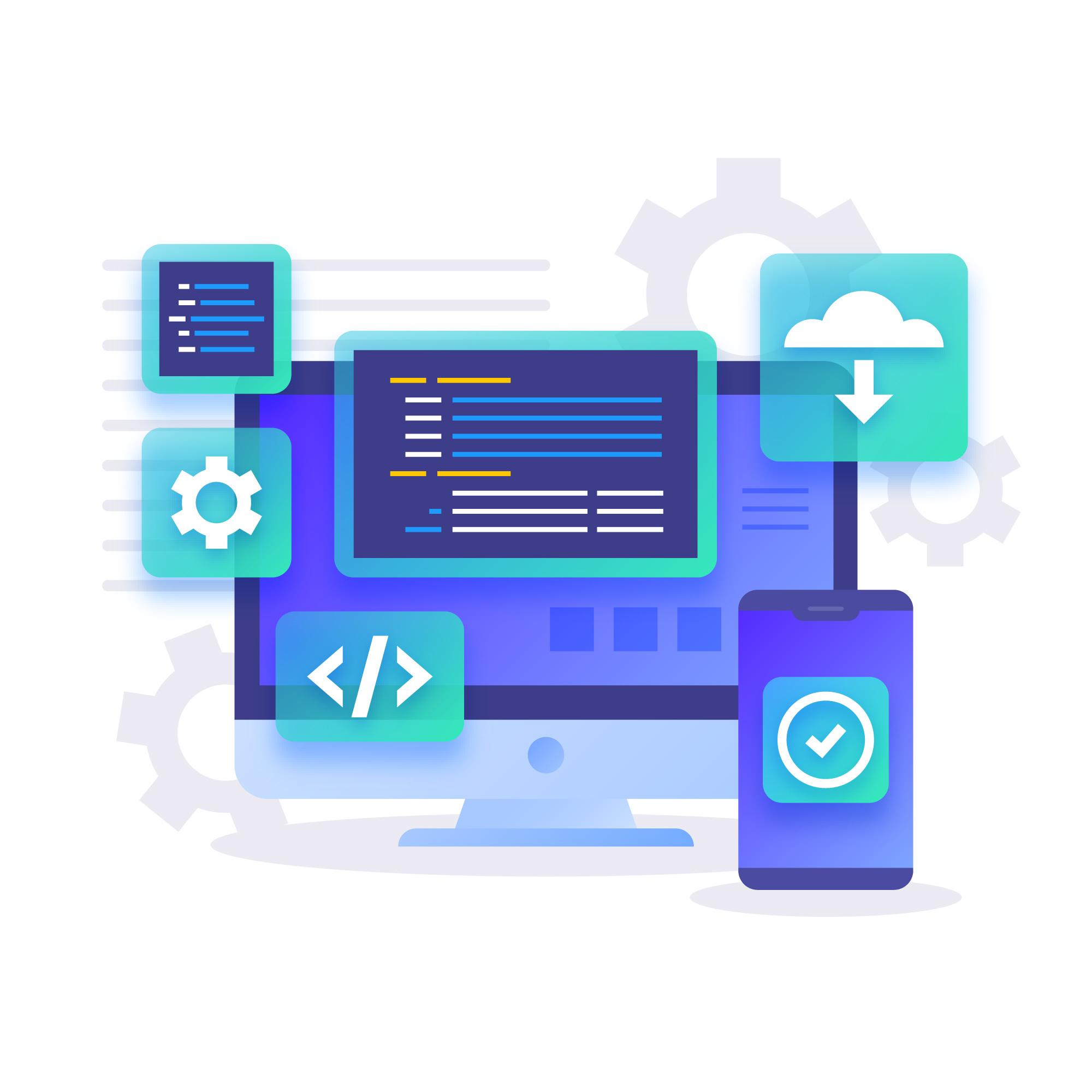
Web Development
A career in web development opens the door to creativity and innovation in the digital world. You’ll build engaging websites, create dynamic applications, and bring ideas to life online. With web development skills, you’ll be in high demand, as every business today needs a strong digital presence. Whether you specialize in front-end design or back-end systems, this field offers flexibility, remote work options, and endless growth opportunities. If you enjoy problem-solving and have a passion for tech, web development is the perfect career to explore!
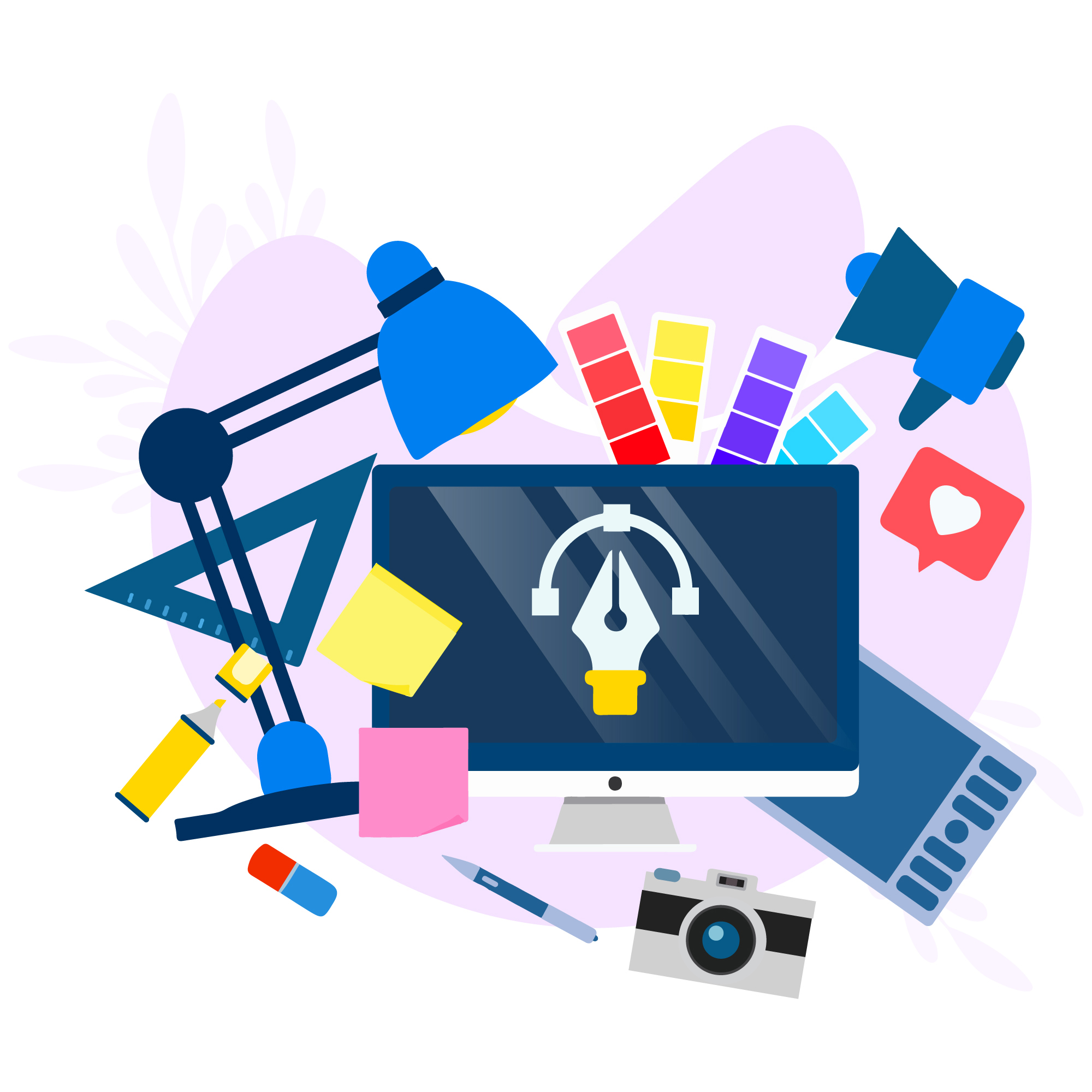
Graphic Designing
A career in graphic design lets you transform ideas into stunning visual content. From creating logos and branding to designing websites and marketing materials, graphic designers are in high demand across industries. It’s a perfect field for creative thinkers who love working with color, typography, and digital tools. With endless opportunities in freelance, remote work, or agency settings, you’ll enjoy flexibility while making an impact. If you’re passionate about creativity and visual storytelling, graphic design offers an exciting and fulfilling career path!
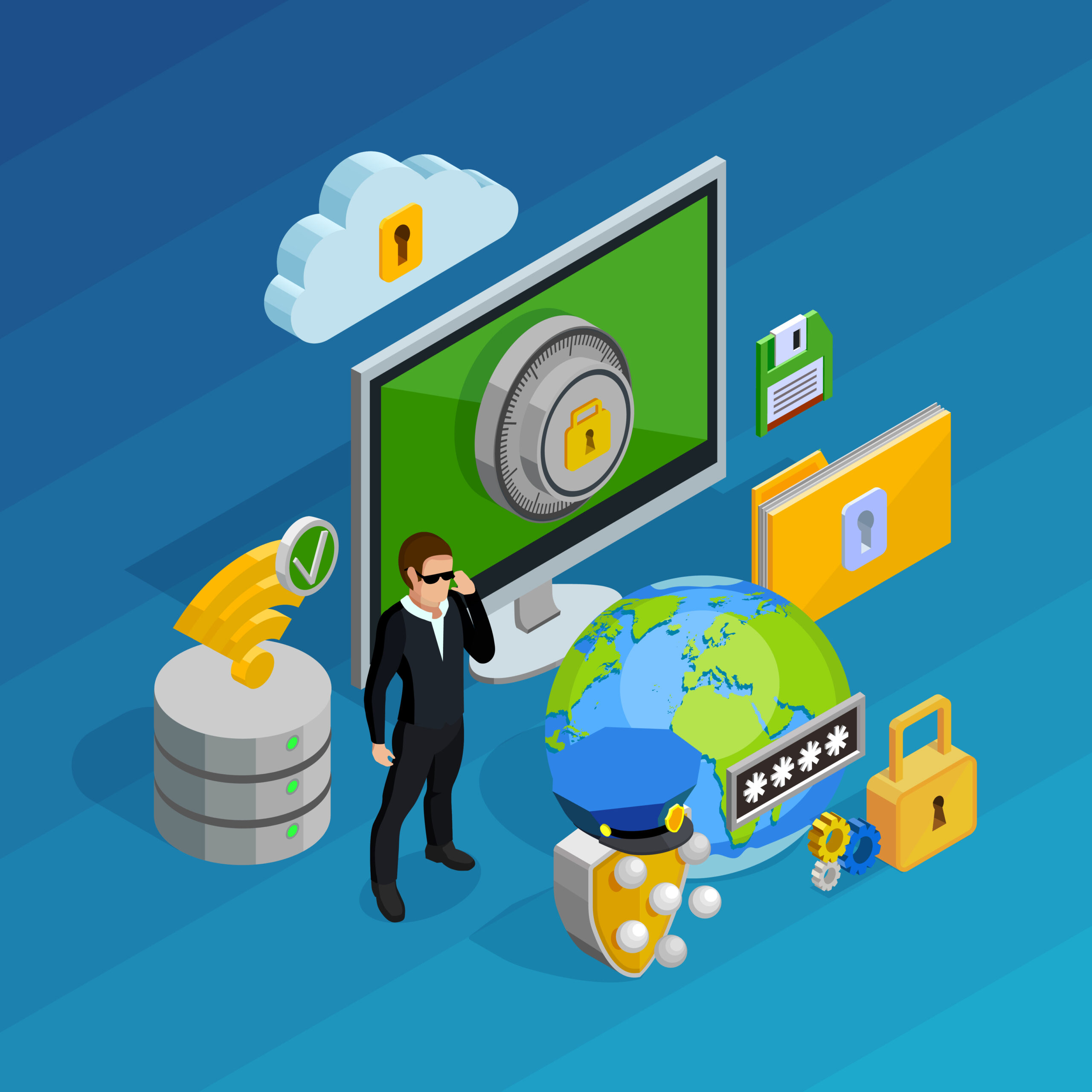
Network Security
A network is a system in which two or more computers and digital devices are connected to each other to share information, resources, and services. Through a network, users can exchange data such as files, messages, and multimedia quickly and efficiently. It also allows sharing of hardware like printers, scanners, and internet connections, reducing cost and improving productivity. Networks are widely used in homes, schools, offices, banks, and hospitals to enable smooth communication and teamwork. The internet itself is the largest network in the world. In simple terms, a network helps devices communicate with each other easily and work together effectively.
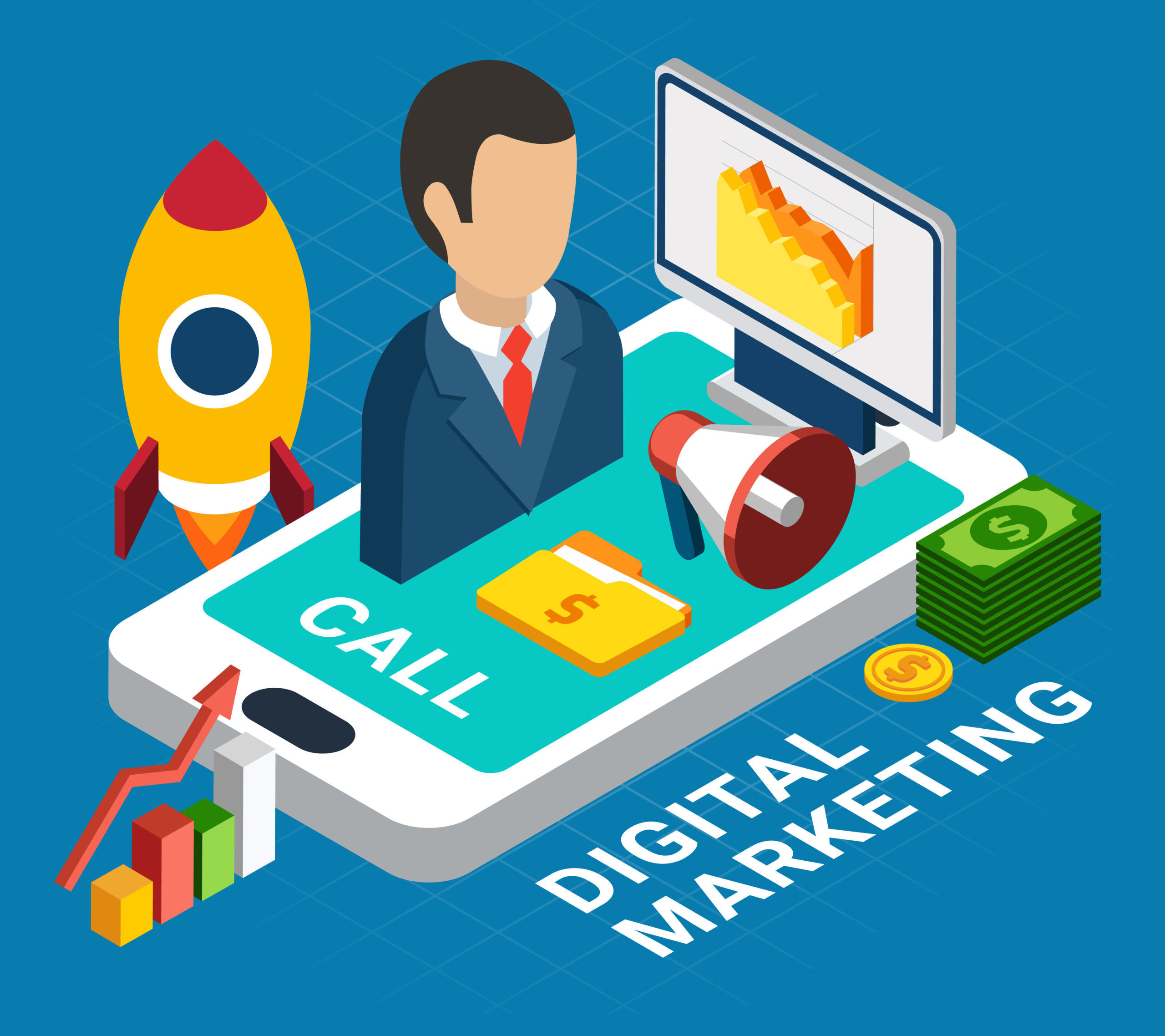
Digital Marketing
Digital marketing is the promotion of products, services, or brands using the internet and digital technologies such as websites, social media, search engines, email, and mobile apps. Its main purpose is to reach customers online where they spend most of their time. Digital marketing includes activities like social media marketing, search engine optimization (SEO), content marketing, online advertising, and email campaigns. It allows businesses to target specific audiences, track results in real time, and communicate directly with customers.
Why to Choose IT Carrer
An IT career offers limitless opportunities in an ever-evolving field. With high demand for tech professionals, job security and competitive salaries are major perks. Beyond that, IT lets you work on cutting-edge technologies like AI, cloud computing, and cybersecurity, driving innovation and solving real-world problems. Whether you’re passionate about programming, data, or IT infrastructure, there’s a niche for everyone. Plus, the flexibility of remote work and global opportunities makes it an exciting, dynamic career choice!
What You Get in IT Career
An IT career offers a rewarding blend of opportunities and growth. You’ll gain in-demand skills, access to diverse job roles, and the chance to work with innovative technologies. With high earning potential, job stability, and the ability to work globally or remotely, IT professionals enjoy flexibility and freedom. You’ll also be at the forefront of solving real-world challenges, constantly learning, and staying ahead in a fast-evolving industry. Plus, the potential for career advancement is limitless in this ever-expanding field!
🌐 Web Basics: What You Must Know First
🔹 How the Internet Works
* The internet is a global network of computers communicating via protocols
* Data travels in packets through routers and servers
* Websites are hosted on servers and accessed via browsers
🔹 Key Terms to Understand
* HTTP/HTTPS:
– HTTP: HyperText Transfer Protocol – used for communication between browser & server.
– HTTPS: Secure version of HTTP using encryption (SSL/TLS).
* DNS (Domain Name System) – Translates human-readable domains (e.g., google.com) into IP addresses
* Hosting – A service that stores your website files and makes them accessible online
* Domain – Your website’s name (e.g., mysite.com), purchased from registrars like GoDaddy or Namecheap
🔹 Frontend vs Backend
* Frontend – Everything users see and interact with (HTML, CSS, JS)
* Backend – Server-side logic, databases, authentication, APIs
* Think of frontend as the “face” and backend as the “brain” of a website
📍Frontend Development Basics
🔹 HTML (HyperText Markup Language)
* The backbone of every webpage
* Learn semantic tags like <header>, <section>, <article>
* Structure content with headings, paragraphs, lists, links, and forms
🔹 CSS (Cascading Style Sheets)
* Style your HTML elements
* Master Flexbox and Grid for layout
* Use Media Queries for responsive design
* Explore animations and transitions
🔹 JavaScript (JS)
* Make your site interactive
* Learn DOM manipulation, event handling, and ES6+ features (let/const, arrow functions, promises)
* Practice with small projects like a to-do list or calculator
🔹 Responsive Design
* Mobile-first approach
* Test layouts on different screen sizes
* Use tools like Chrome DevTools for device emulation
🔹 Version Control
* Learn Git basics: init, commit, push, pull
* Host your code on GitHub
* Collaborate using branches and pull requests
🧠 Pro Tip:
Build mini projects like a portfolio site, blog layout, or landing page clone. These help reinforce your skills and look great on GitHub.
🚀 Backend Development Basics
What is Backend Development?
Backend development powers the functionality of websites and apps. While the frontend is what users see and interact with, the backend is everything that happens behind the scenes — like storing data, user logins, server responses, and logic.
Whenever you log in, make a payment, or fetch your saved posts — it’s the backend working.
1️⃣ Choose a Programming Language
This forms the logic of your backend.
🔹 Node.js – JavaScript-based, fast & beginner-friendly
🔹 Python – Simple syntax, great with Django or Flask
🔹 Java – Ideal for enterprise-level apps
🔹 PHP, Ruby, Go – Still used in specific ecosystems
👉 Best for beginners: Node.js or Python
2️⃣ Learn About Databases
Databases store your app’s data.
🔸 SQL Databases – Like MySQL, PostgreSQL (structured & relational data)
🔸 NoSQL Databases – Like MongoDB (flexible & scalable)
👉 Learn both to understand different use cases
3️⃣ Authentication & Authorization
Protect your users and their data.
🔹 Authentication = Login identity (who they are)
🔹 Authorization = Access control (what they can do)
🛠️ Tools: JWT, OAuth (for Google/Facebook login)
4️⃣ REST APIs vs GraphQL
APIs allow frontend and backend to talk.
🔸 REST API – Standard, uses endpoints
🔸 GraphQL – More flexible, request only needed data
👉 Start with REST, then explore GraphQL
5️⃣ MVC Architecture (Model-View-Controller)
Organizes backend code in a clean structure.
🔹 Model – Handles data
🔹 View – What’s shown (often JSON in APIs)
🔹 Controller – Logic that connects models to views
6️⃣ Deployment & Hosting
Put your backend online for public use.
🌐 Platforms: Render, Railway, Heroku, Vercel, AWS
👉 Choose Heroku or Railway for simple projects
7️⃣ Testing & Debugging
Ensure your code works before going live.
🧪 Tools:
* Postman/Insomnia – test APIs
* console.log / debugger – find issues
8️⃣ Build Real Projects
Learning by doing is key.
💡 Project ideas:
* Authentication system
* Notes app backend
* Task manager API
* E-commerce backend (products, cart, orders)
Pro Tip:
Once you’re confident, combine with frontend skills to become a Full-Stack Developer.
🌐 Complete Roadmap to Become a Web Developer
📂 1. Learn the Basics of the Web
– How the internet works
– What is HTTP/HTTPS, DNS, Hosting, Domain
– Difference between frontend & backend
📂 2. Frontend Development (Client-Side)
∟📌 HTML – Structure of web pages
∟📌 CSS – Styling, Flexbox, Grid, Media Queries
∟📌 JavaScript – DOM Manipulation, Events, ES6+
∟📌 Responsive Design – Mobile-first approach
∟📌 Version Control – Git & GitHub
📂 3. Advanced Frontend
∟📌 JavaScript Frameworks/Libraries – React (recommended), Vue or Angular
∟📌 Package Managers – npm or yarn
∟📌 Build Tools – Webpack, Vite
∟📌 APIs – Fetch, REST API integration
∟📌 Frontend Deployment – Netlify, Vercel
📂 4. Backend Development (Server-Side)
∟📌 Choose a Language – Node.js (JavaScript), Python, PHP, Java, etc.
∟📌 Databases – MongoDB (NoSQL), MySQL/PostgreSQL (SQL)
∟📌 Authentication & Authorization – JWT, OAuth
∟📌 RESTful APIs / GraphQL
∟📌 MVC Architecture
📂 5. Full-Stack Skills
∟📌 MERN Stack – MongoDB, Express, React, Node.js
∟📌 CRUD Operations – Create, Read, Update, Delete
∟📌 State Management – Redux or Context API
∟📌 File Uploads, Payment Integration, Email Services
📂 6. Testing & Optimization
∟📌 Debugging – Chrome DevTools
∟📌 Performance Optimization
∟📌 Unit & Integration Testing – Jest, Cypress
📂 7. Hosting & Deployment
∟📌 Frontend – Netlify, Vercel
∟📌 Backend – Render, Railway, or VPS (e.g. DigitalOcean)
∟📌 CI/CD Basics
📂 8. Build Projects & Portfolio
– Blog App
– E-commerce Site
– Portfolio Website
– Admin Dashboard
📂 9. Keep Learning & Contributing
– Contribute to open-source
– Stay updated with trends
– Practice on platforms like LeetCode or Frontend Mentor
✅ 7 Habits to Become a Pro Web Developer 🌐💻
1️⃣ Master HTML, CSS & JavaScript
– These are the core. Don’t skip the basics.
– Build UIs from scratch to strengthen layout and styling skills.
2️⃣ Practice Daily with Mini Projects
– Examples: To-Do app, Weather App, Portfolio site
– Push everything to GitHub to build your dev profile.
3️⃣ Learn a Frontend Framework (React, Vue, etc.)
– Start with React in 2025—most in-demand
– Understand components, state, props & hooks
4️⃣ Understand Backend Basics
– Learn Node.js, Express, and REST APIs
– Connect to a database (MongoDB, PostgreSQL)
5️⃣ Use Dev Tools & Debug Like a Pro
– Master Chrome DevTools, console, network tab
– Debugging skills are critical in real-world dev
6️⃣ Version Control is a Must
– Use Git and GitHub daily
– Learn branching, merging, and pull requests
7️⃣ Stay Updated & Build in Public
– Follow web trends: Next.js, Tailwind CSS, Vite
– Share your learning on LinkedIn, X (Twitter), or Dev.to
💡 Pro Tip: Build full-stack apps & deploy them (Vercel, Netlify, or Render)
WEB DEVELOPMENT IN SHORT
TOPIC SUBJECT |
AS BODY PART |
FUNCTION |
|---|---|---|
HTML |
Skeleton / Bones |
Gives complete body structure. Defines where head is, where arms go, where legs go… without skeleton body cannot stand. HTML gives structure of the webpage. |
CSS |
Skin, Face Beauty, Hair Style, Clothes |
Makes the body look attractive, beautiful, stylish, colorful, neat. CSS gives style, design, colors, fonts, look & feel of web pages. |
JavaScript |
Brain + Nervous System |
Makes the body react, think, move, respond. If someone touches your skin — nerves signal brain — motion happens. JS gives logic, interactivity, reactions, dynamic actions. |
API |
Ears + Mouth (Communication Organs) |
Body talks to outside world. Information comes in (ears) and goes out (mouth). API is how systems communicate with others. |
Backend Server |
Heart + Internal Organs |
All important processing happens inside quietly. It pumps data, processes, stores, does calculations just like heart does for body. |
Database |
Brain Memory / Long Term memory storage |
Stores all past experience, records, data, knowledge permanently so the body can recall anytime like brain memory. |
Framework (React / Angular / Next etc) |
Exoskeleton + Muscles |
Strong support + best optimized way for movement and functioning. Makes building easier, faster & efficient same like strong muscle coordination. |
Hosting / Deployment |
Home / World existence |
Where the body lives, stays, survives in real world. Hosting is where website lives on internet. |
Domain Name |
Actual Name of Person |
Identity by which world calls the person. google.com = name. Domain is web’s identity. |
Version Control / Git |
Human Memory Timeline + Recording System |
Keeps record of everything you changed at what time… you can go back, undo, redo. |
-
HTML gives body structure
-
CSS gives beauty
-
JS gives brain & reactions
-
Backend is heart + organs
-
Database is memory
-
Domain is name
-
Hosting is house where that person lives
Frontend Developer Roadmap
1. HTML & CSS
↳ Learn structure (HTML5) and styling (CSS3)
↳ Master Flexbox, Grid, Responsive Design
2. JavaScript (JS)
↳ Core concepts: variables, functions, arrays, loops
↳ DOM manipulation, Events, ES6+ features
3. Version Control
↳ Learn Git & GitHub
↳ Push projects, collaborate, track changes
4. CSS Frameworks & Preprocessors
↳ Bootstrap, Tailwind CSS
↳ SCSS/SASS for advanced styling
5. JavaScript Frameworks
↳ Start with React.js
↳ Understand components, hooks, props, state
↳ Later explore Vue or Angular
6. Package Managers & Build Tools
↳ npm/yarn, Webpack, Vite, Babel
7. APIs & Async JS
↳ Fetch API, Axios
↳ JSON, async/await, error handling
8. State Management
↳ Context API, Redux, Zustand, Recoil (choose one)
9. Routing & Navigation
↳ React Router or equivalent in chosen framework
10. Testing Basics
↳ Unit & Component Testing using Jest, React Testing Library
11. Deployment & Hosting
↳ Netlify, Vercel, GitHub Pages, Firebase
12. Real Projects
↳ Portfolio site, To-Do app, Weather app, Blog, E-commerce UI
↳ Push all projects to GitHub
13. Soft Skills & Job Prep
↳ Communication, Git collaboration, Problem-solving
↳ Build resume, prep with mock interviews, apply smartly